Audio corrections
Twenty-one encoder allows you to configure audio corrections for your pipeline. In the input stream configuration, click on the “Configure audio corrections” button, and you will see the following window pop-up. Keep in mind that this configuration is valid for every output stream within the pipeline.
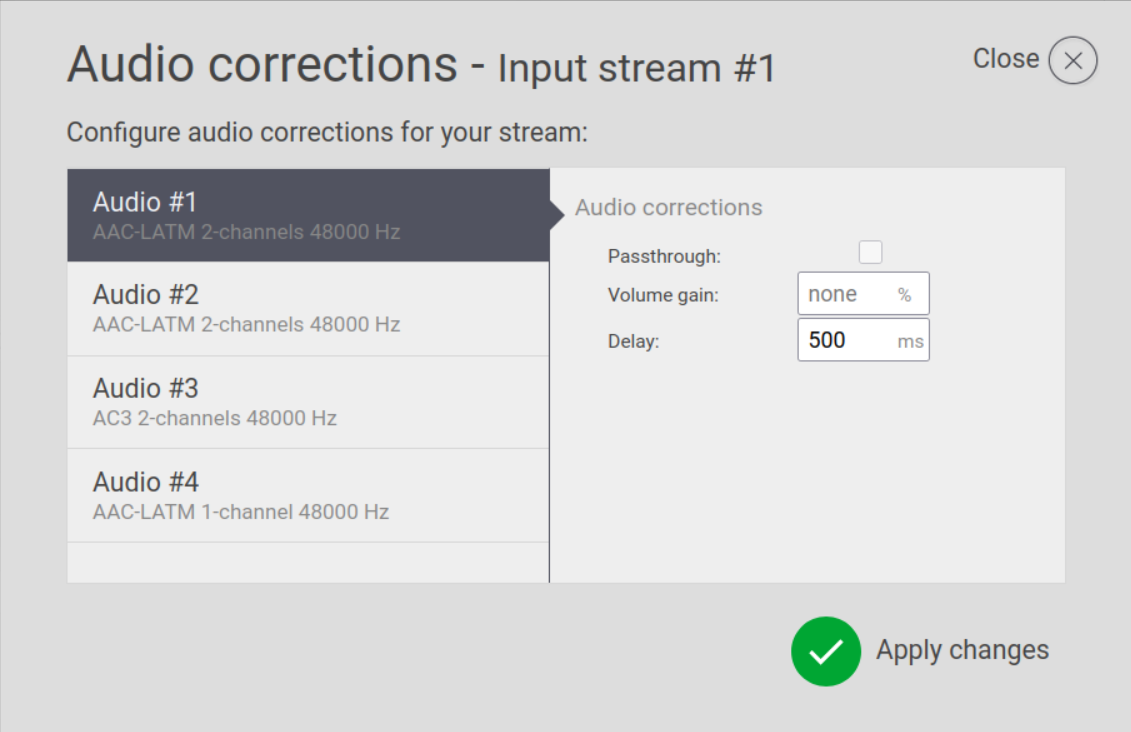
- Passthrough – If checked, the audio stream will be transferred to the output stream without any transformations or encoding.
- Volume gain – A value in % used to increase or decrease volume of the audio stream.
- Delay – A value in milliseconds used to shift audio streams in time back or forward. Positive values delay the audio, while negative values advance it. High negative values may require adjustment of the latency addition on output.